Public page
Share one link where users can book a call, send a video, or follow guided flows.
Public page
Share one link where users can book a call, send a video, or follow guided flows.
Public page
Share one link where users can book a call, send a video, or follow guided flows.
Flow lets you create structured media journeys that simplify support.
Single entry point
All your support options, available in one place.
Easy access
Share via email, chat, website, or QR code.
Brand-ready
Customize your page with your logo and images.
Faster engagement
Customers reach the right flow instantly.

Flow lets you create structured media journeys that simplify support.
Single entry point
All your support options, available in one place.
Easy access
Share via email, chat, website, or QR code.
Brand-ready
Customize your page with your logo and images.
Faster engagement
Customers reach the right flow instantly.
Flow lets you create structured media journeys that simplify support.
Single entry point
All your support options, available in one place.
Easy access
Share via email, chat, website, or QR code.
Brand-ready
Customize your page with your logo and images.
Faster engagement
Customers reach the right flow instantly.
Create and customize a single shareable page that gathers all your SnapCall Flows: Calls, and Clips — ready to use for customers or teams.
1. Create your Public Page
Set up your page in minutes from your SnapCall dashboard.
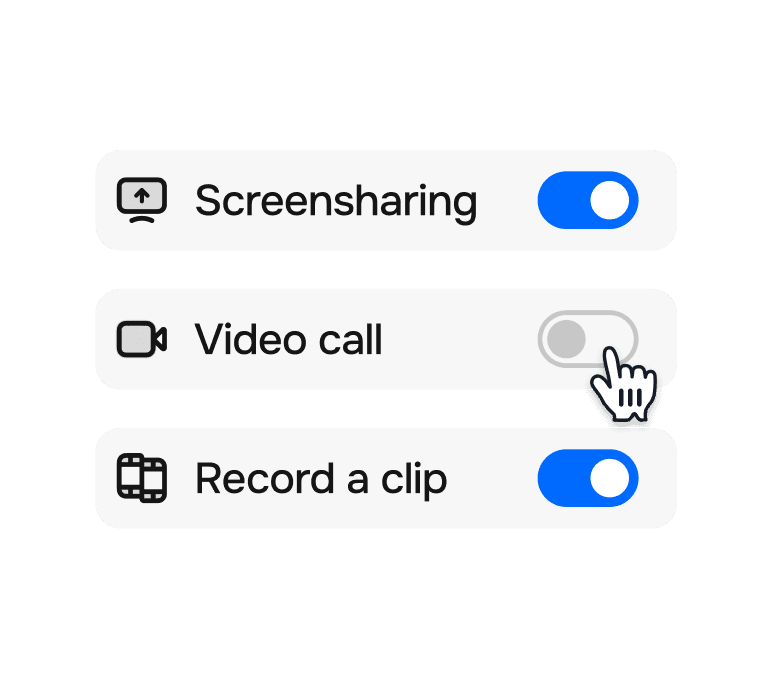
Add your flows
Link your existing Calls, Clips, or Booking flows to the page.
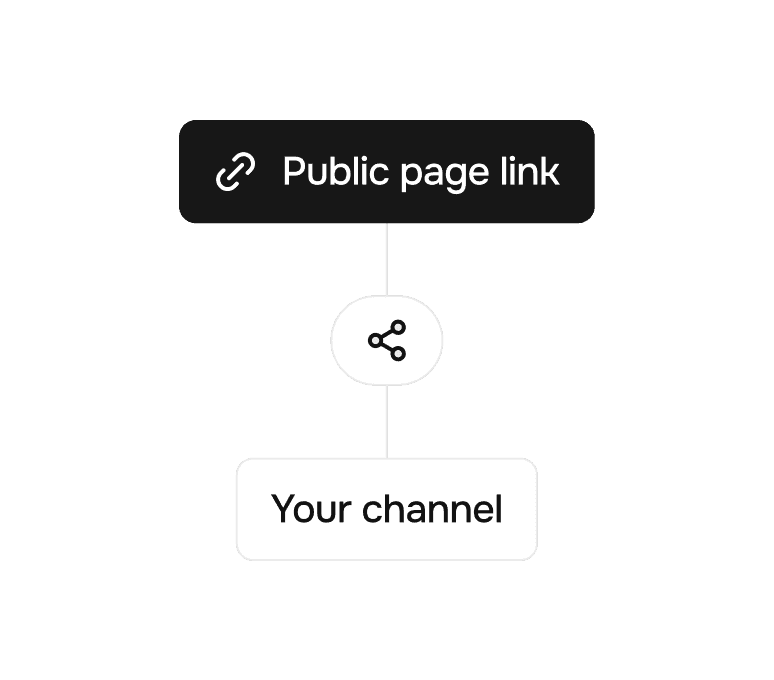
Share the link
Give customers instant access via a link or QR code.
Create and customize a single shareable page that gathers all your SnapCall Flows: Calls, and Clips — ready to use for customers or teams.
1. Create your Public Page
Set up your page in minutes from your SnapCall dashboard.
Add your flows
Link your existing Calls, Clips, or Booking flows to the page.
Share the link
Give customers instant access via a link or QR code.
Create and customize a single shareable page that gathers all your SnapCall Flows: Calls, and Clips — ready to use for customers or teams.
1. Create your Public Page
Set up your page in minutes from your SnapCall dashboard.
Add your flows
Link your existing Calls, Clips, or Booking flows to the page.
Share the link
Give customers instant access via a link or QR code.
Visual and AI-powered support designed to adapt to the specific needs and constraints of each industry.



Visual and AI-powered support designed to adapt to the specific needs and constraints of each industry.
Visual and AI-powered support designed to adapt to the specific needs and constraints of each industry.
A connected ecosystem of visual, real-time, and AI-powered capabilities built to simplify support workflows and deliver clear, actionable insights.
A connected ecosystem of visual, real-time, and AI-powered capabilities built to simplify support workflows and deliver clear, actionable insights.
A connected ecosystem of visual, real-time, and AI-powered capabilities built to simplify support workflows and deliver clear, actionable insights.
From essential tools to full automation, SnapCall scales with your needs.



From essential tools to full automation, SnapCall scales with your needs.
From essential tools to full automation, SnapCall scales with your needs.
AI Powered video solution
Faster resolutions start here.
No installs
Works with your CRM
AI Powered video solution
Faster resolutions start here.
No installs
Works with your CRM
AI Powered video solution
Faster resolutions start here.
No installs
Works with your CRM