New
AI-Powered PDF Analysis is here
Automatically analyze customer visuals and trigger actions in your support tools.
Helping 500+ companies contextualize and solve their customer issues.
5 Steps
Automate Support Workflow with Visual Intelligence
Capture what matters, analyze it with AI, and trigger the right actions instantly. No manual processing, just results.
1
Capture
Define Inputs
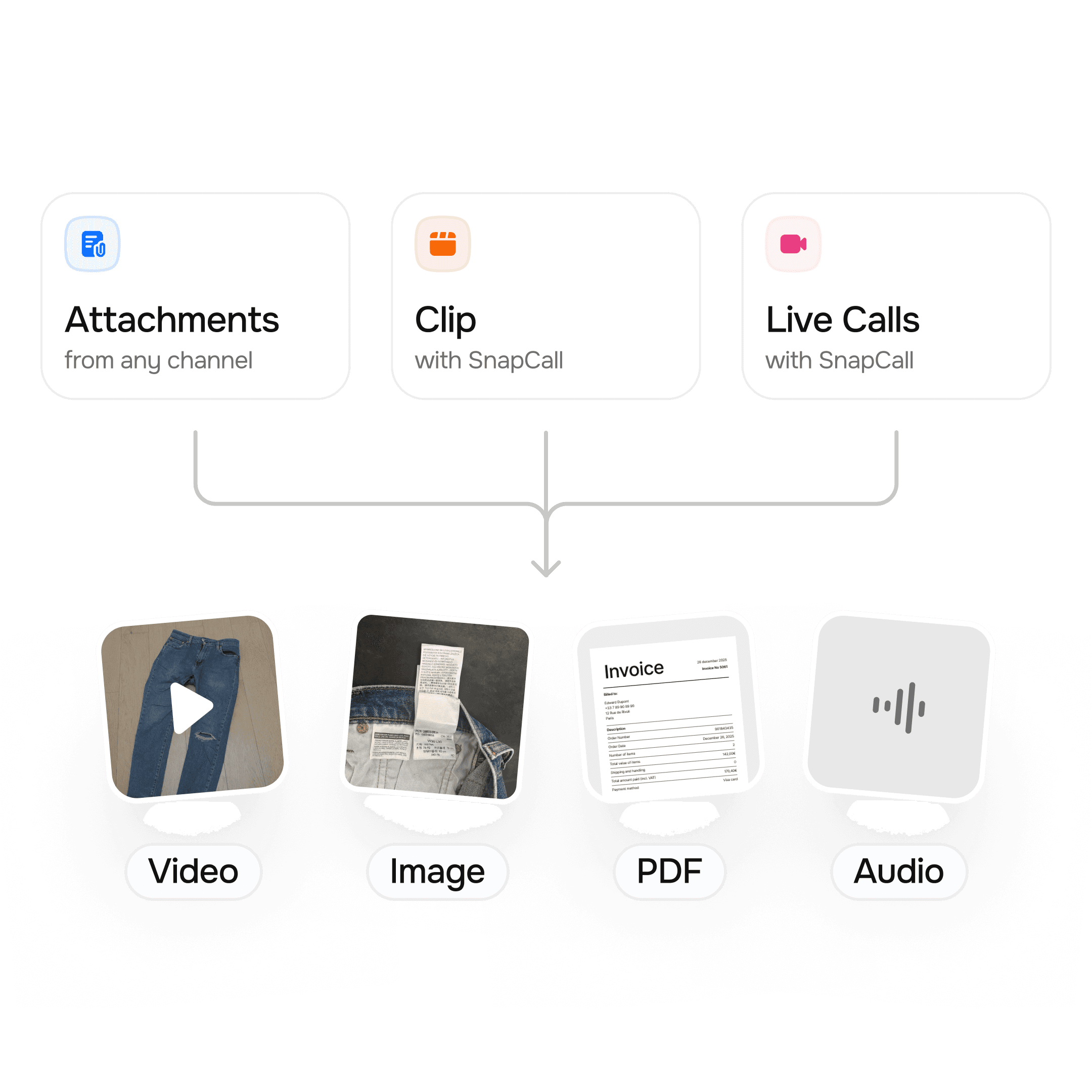
Collect visual input from every touchpoint.
Attachments from tickets and forms
Smart capture interface
Live calls with instant snapshots
Triage
Control Routing
Structure and route inputs with precision.
Organize your workflow steps
Automatically sort incoming media
Filter noise with moderation and fraud detection
2

3
Analyse
Apply Intelligence
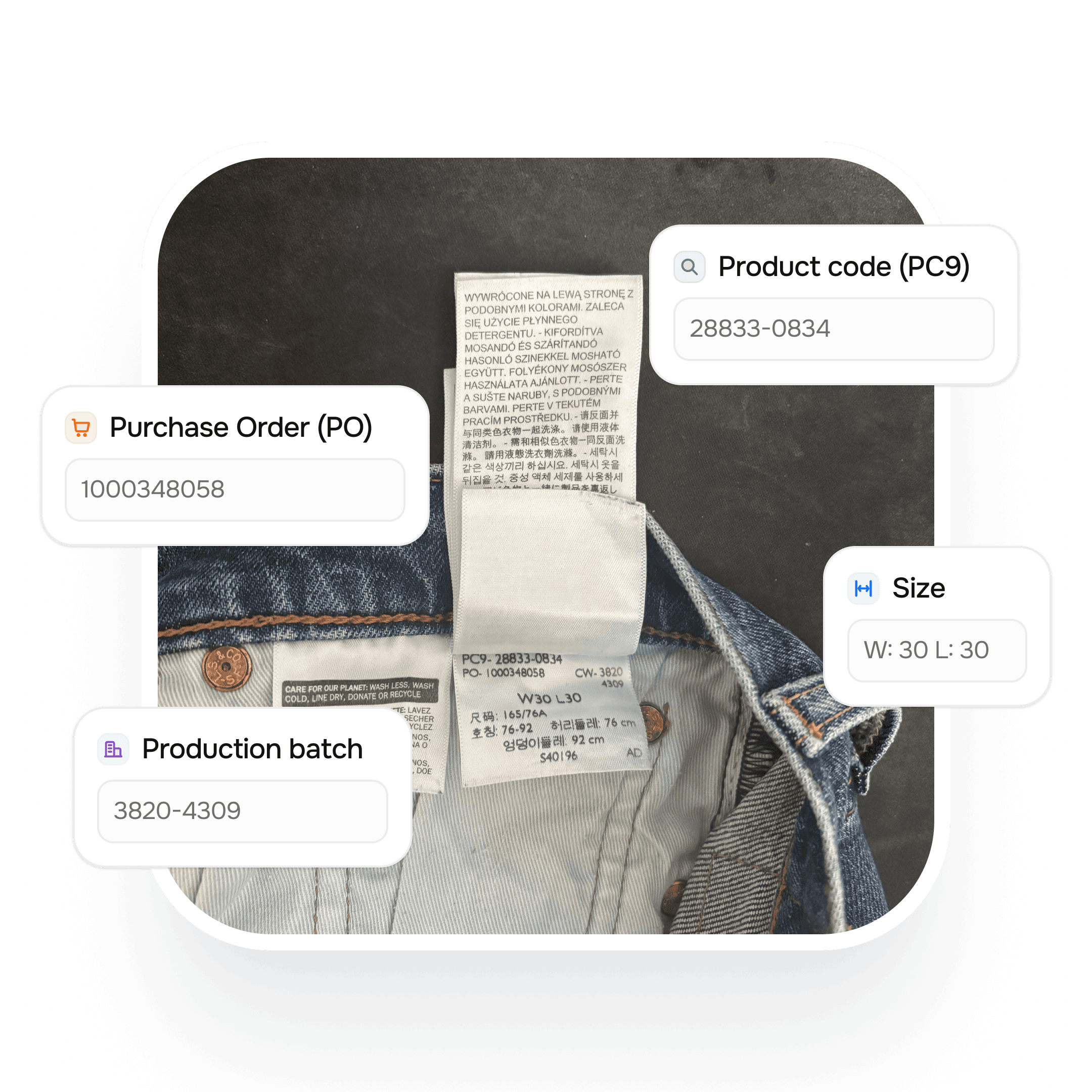
Use AI Skills to understand what’s in every media.
Extract key information
Run custom AI prompts
Adapt analysis to your use cases
Act
Automate Actions
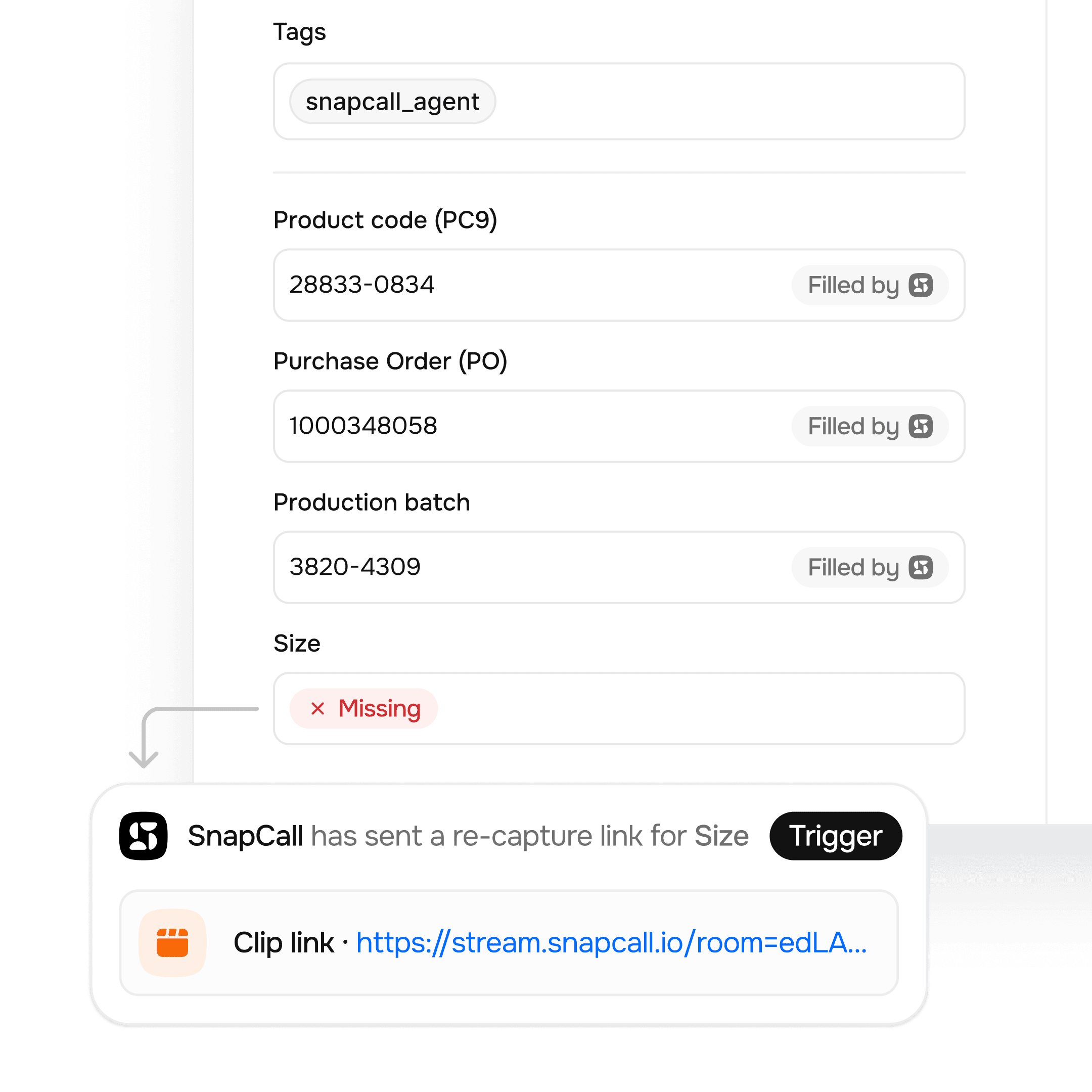
Trigger actions directly in your tools.
Fill CRM fields automatically
Launch workflows and triggers
Detect incomplete or missing media
4
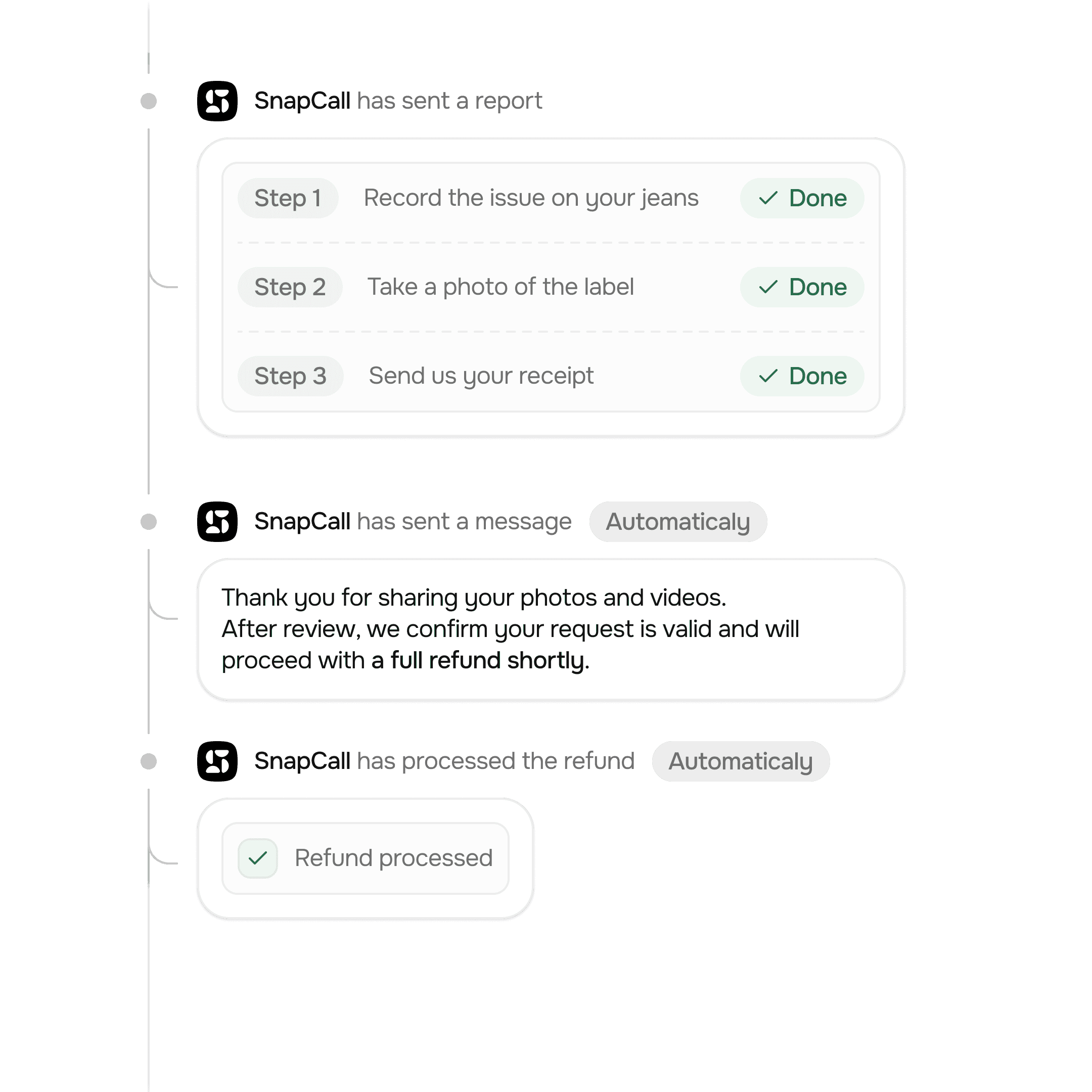
5
Resolve
Smart Resolution
Close tickets automatically or escalate when needed.
Automatically resolve tickets end-to-end
Route complex cases to human review
Escalate to live calls when needed
Track how capture, analysis, and automation improve every step of your support process.